
Home Desks in Oman: Fit, Work Surface and Cable Space
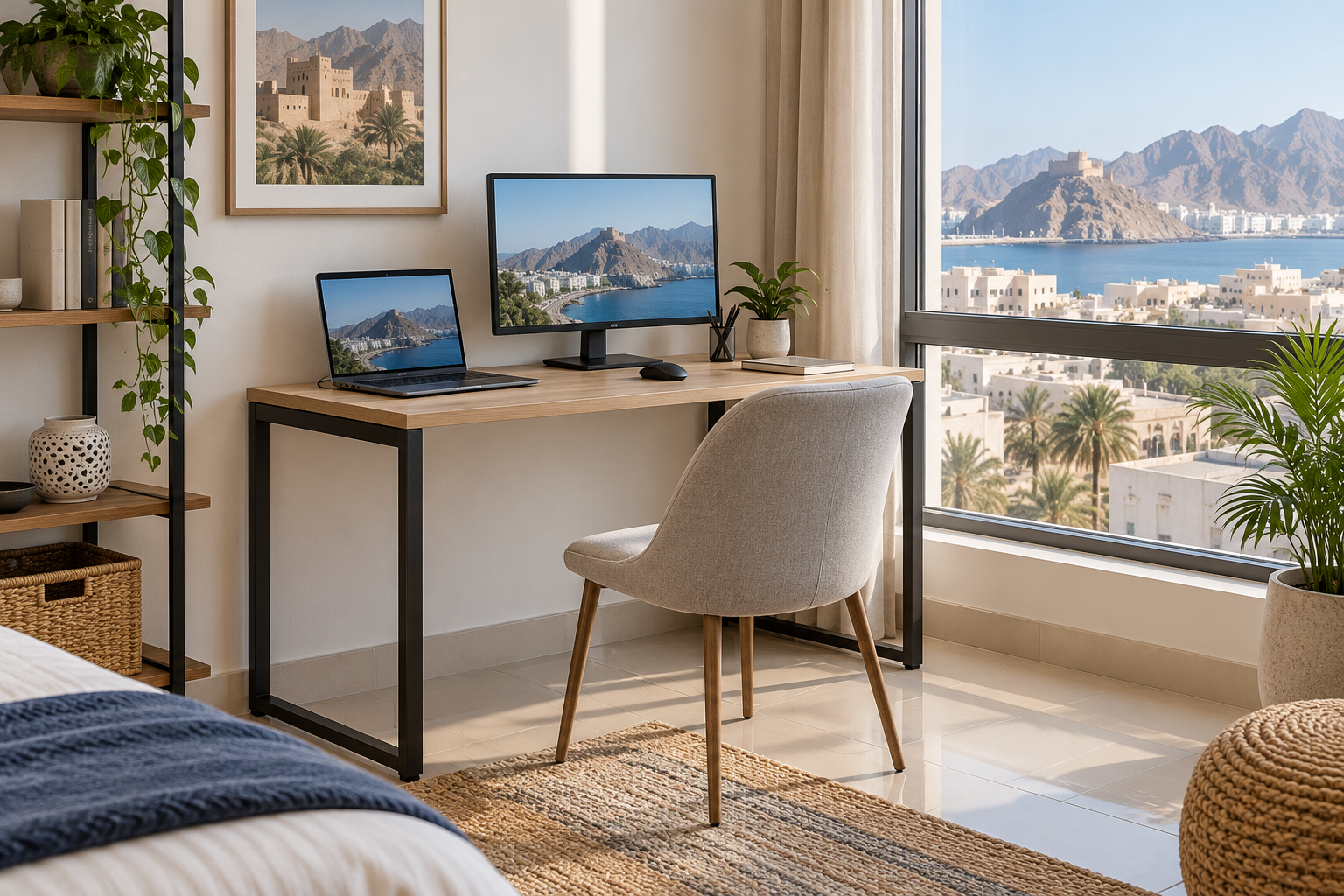
A home desk earns its space when you can sit comfortably, reach your work and manage the cables without blocking a walkway. Whether the desk is for daily work, study or occasional paperwork, start with the tasks and equipment it must hold. A compact top that looks tidy in a listing may feel crowded once a screen, keyboard and notebook are on it.
Test the working position
Measure the width of your monitor or laptop setup, then add the space you need for a mouse, papers and a drink away from electronics. Check the desktop depth too: a screen should sit at a comfortable viewing distance without pushing the keyboard to the edge. If you use an external monitor, consider its stand footprint and adjustability. The desk height should let you sit with relaxed shoulders and arms in a comfortable position; compare it with your chair’s seat-height range. If the chair cannot be adjusted enough, a suitable footrest may help support your feet. Change position and take breaks during long sessions.
Check knee and drawer clearance
Overall desk width is not the same as free width underneath. Drawers, crossbars and legs can crowd your knees or prevent a chair from sliding in. Measure your chair, including its arms, and compare it with the opening under the desk. Open every drawer in the proposed location. A desk near a bed or wardrobe still needs clearance when other furniture is in use.
Measure the footprint in the room
Use removable tape to mark the desktop on the floor and pull the chair back to its normal working position. Leave a route around it to doors and storage. Think about daylight and glare at the time you usually work: a screen facing a bright window may need a different orientation or adjustable shade. A desk lamp can light papers without requiring the screen to be brighter than comfortable. Check nearby sockets before committing to a corner.
Give cables a route
List the devices that need power or data connections. Look for a cable opening or space at the back of the top, and check whether a tray or clips are included or sold separately. Route cables away from feet, drawers and chair wheels. Leave access to plugs and adapters for maintenance; do not trap them tightly behind furniture. If you use a power strip, follow its rating and the manufacturer’s instructions rather than overloading it.
Compare the full setup
IKEA Oman’s home-desk category shows a variety of widths, depths and storage arrangements. Compare the exact product dimensions, materials, assembly instructions and any stated load limits. Note whether delivery includes the desktop, legs and accessories you expect. An adjustable or fixed desk only solves the problem if its working surface and chair fit your body and room together.
Next step: Tape out the desk and chair footprint, then check top depth, knee space and cable paths on each shortlisted model.
