
Televisions in Oman: Compare Screen Size and Setup
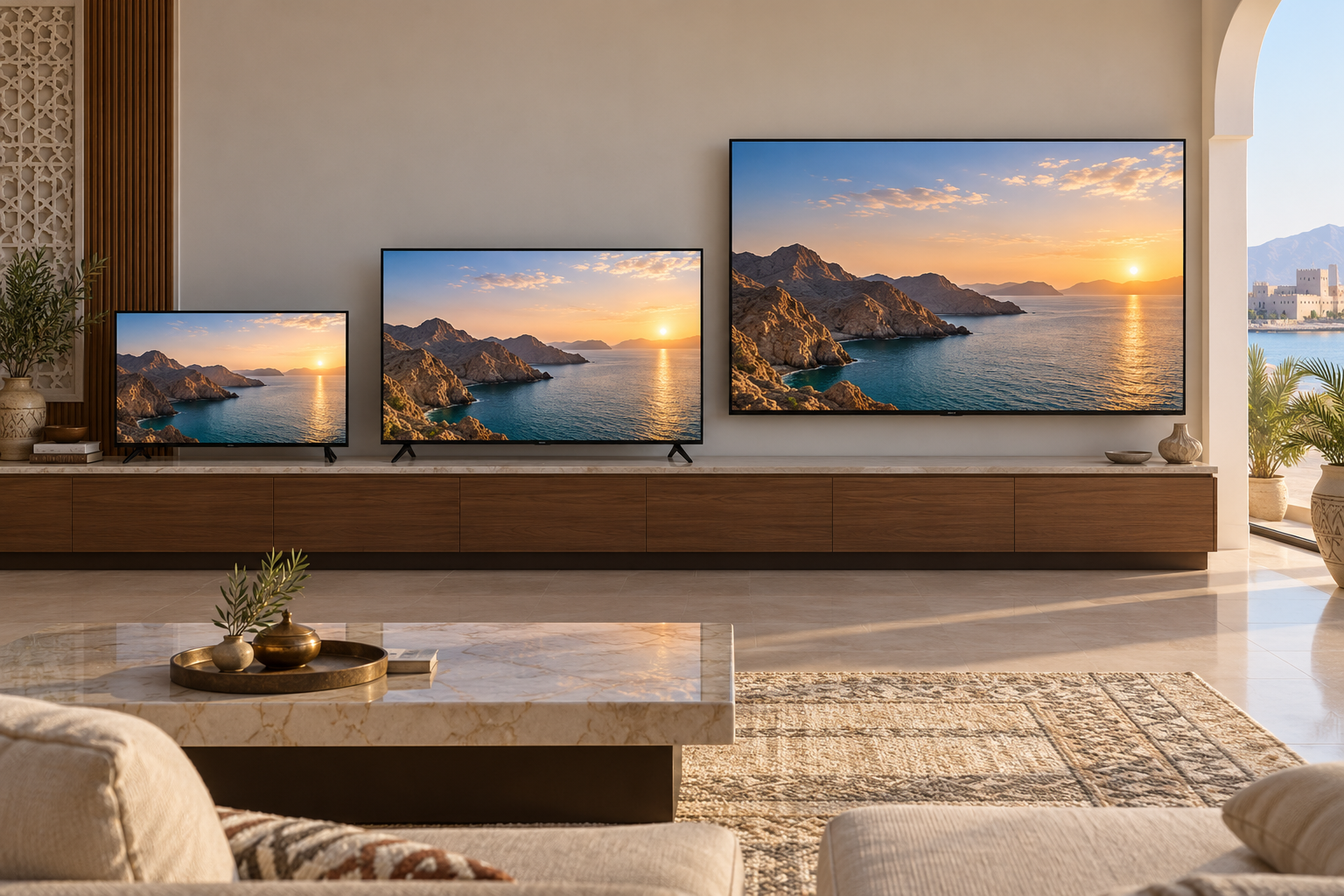
Televisions in Oman come in many screen sizes and feature combinations. The right comparison starts with the room, the people watching and the devices you will connect. A larger screen or a longer list of display terms is not automatically more useful if the set does not fit its position or lacks the ports your household needs.
Measure the viewing position
Measure from the likely seating position to the proposed screen location, then note whether viewers sit directly ahead or off to the side. Mark the television’s full width and height on the wall or stand with removable tape. Check sightlines from each seat and whether a window or lamp will reflect in the screen at the times you usually watch. Screen size is measured diagonally, so use the product’s actual external dimensions to check fit. Our floor-lamp guide can help if room lighting is part of the setup.
Leave space for a stand or mount
For a tabletop setup, compare the distance between the TV’s feet with the furniture’s usable surface and follow the maker’s stability instructions. For a wall mount, confirm the set’s specified mounting pattern, weight and approved bracket before buying any hardware. Identify the wall type and cable route; use a qualified installer where fixing or electrical work is uncertain. Check that the screen can be reached for cleaning and that cables will not be strained.
List connections before features
Count the devices you actually use, such as a receiver, game console or sound system, and identify the required connections on each. Compare the number and type of ports on the exact TV model, including their position if the set will be close to a wall. Check how you will receive live channels and whether the model supports the apps and services you intend to use in Oman; software availability can change. Do not assume every television in a screen-size band has the same operating system or controls.
Compare the picture in context
Retail listings may mention resolution, panel type, refresh rate and high-dynamic-range formats. Read the exact specifications and compare a familiar scene on shortlisted screens if a store allows it. Look at motion, dark scenes and viewing from the side under comparable settings. Manufacturer feature names alone do not establish which picture you will prefer. Ask how to adjust picture settings and whether a demonstration is using a special showroom mode.
Check delivery and setup
Measure the delivery route and package size, and ask what unboxing, mounting and old-device removal include. Keep the warranty terms and model number with your shortlist. LuLu Oman groups TVs by screen-size band, and Sharaf DG Oman lists more TVs to compare. Open individual product pages for dimensions, ports and installation details before ordering. Our delivery and installation guide helps frame service questions.
Next step: Measure your viewing distance and TV space, then compare ports and display features on the models you shortlist.
