
Laptops in Oman: Match Specs to Work and Study
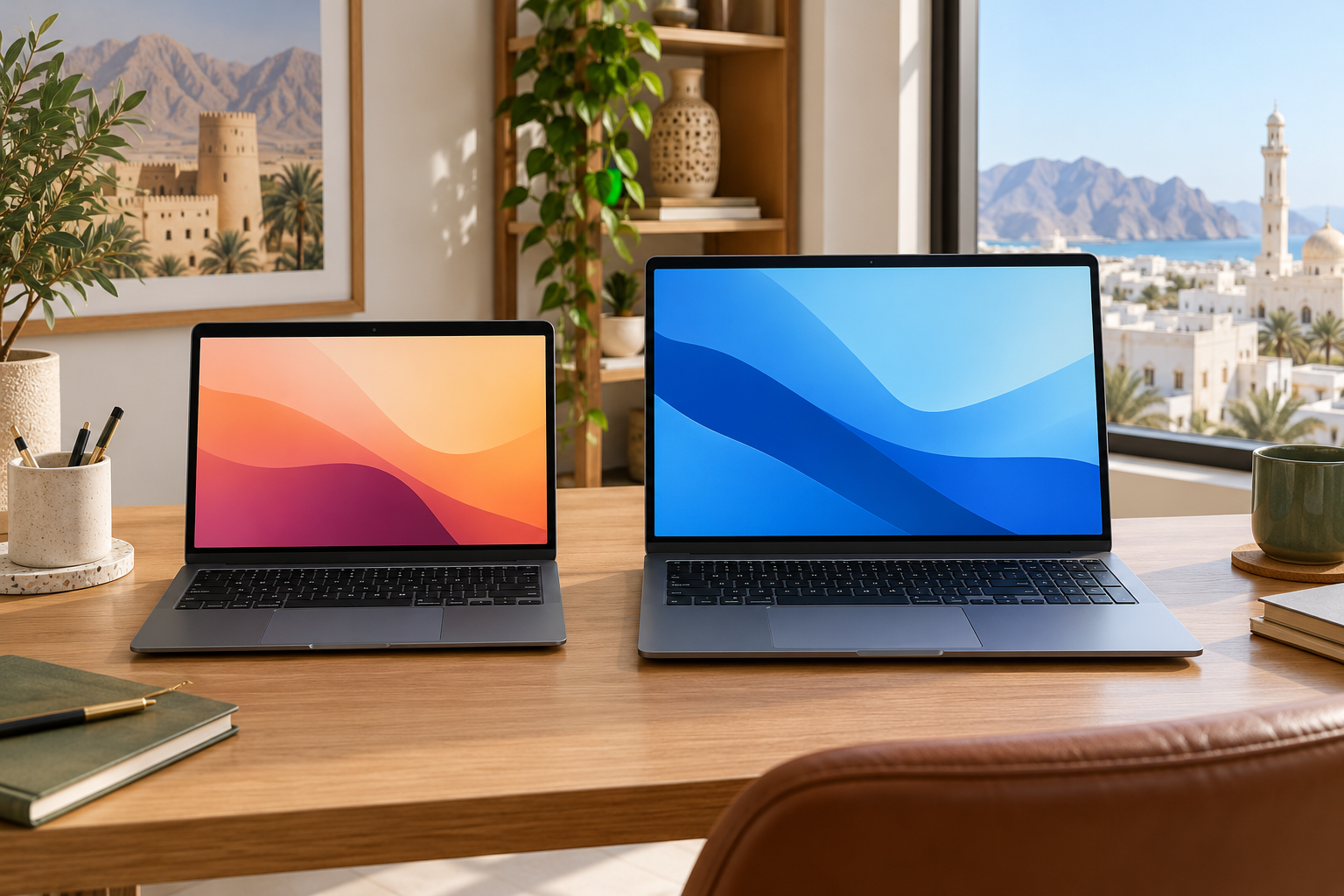
Laptops in Oman can share a familiar product name while differing in memory, storage, keyboard and ports. Begin with the applications you must run and the places you will use the computer. That gives you a clearer comparison than choosing by a processor label or a promotional photograph alone.
List the work before the specifications
Write down your essential applications and check their published operating-system and hardware requirements. Consider whether you work mainly in a browser, handle large spreadsheets, edit media or run specialist software. A processor family name does not describe every configuration or its performance under your workload. Compare the exact processor, RAM and storage in the listed model, and check whether any component can be upgraded later. If upgrading matters, verify it with the manufacturer’s documentation rather than assuming a laptop opens like a desktop.
Choose memory and storage deliberately
Think about how many applications and browser tabs you keep open at once. Check storage needed for your files, downloads and offline work, and leave room for the operating system and updates. The advertised drive capacity and the space immediately available to you may differ. If you expect to use an external drive or cloud storage, note the connection and internet access those routines require. Compare capacity and type on the exact product page.
Test the screen and keyboard
A larger display can make side-by-side work easier but changes the size and weight you carry. Compare screen dimensions, resolution, brightness and finish on the model page, then view the screen in person if possible. Try the keyboard layout and trackpad, especially if Arabic and English input matter to you. Confirm the physical keyboard language and the software language options for the unit being sold; product images may show another regional version.
Count ports and power needs
List the monitor, storage, headset and other devices you connect. Match their plugs and any video-output requirement to the actual ports of each laptop; similar-looking USB ports may support different functions. Check charging method, power adapter included and battery information from the maker, understanding that real use varies. Our home-desk guide helps plan screen position, power and cable space at a fixed workstation.
Verify the seller and exact unit
LuLu Oman’s laptop category lets shoppers filter by processor and RAM, and Sharaf DG Oman’s computing section provides other configurations. Before paying, record the full model or part number, keyboard layout, included charger, warranty provider and return terms. Our seller-verification guide offers related questions; confirm the laptop’s own terms separately.
Next step: List the apps and ports you need, then compare exact configurations and warranty terms on shortlisted models.
