
Computer Monitors in Oman: Match Size, Ports and Desk Fit
This guide helps Oman households compare a complete purchase, including fit, accessories and support. Check the exact model and current terms with the seller before paying.
Choose for the task and distance
Begin with what you do at the desk: reading documents, editing photographs, watching video or gaming. A large display can help with several windows, but only when the desk and viewing distance are comfortable. Compare physical width and height, not just the diagonal measurement. Resolution and pixel density together affect how crisp text looks. Ask to see text at the scaling setting you expect to use rather than choosing from a marketing label alone.
Check every connection
List the ports on your laptop or desktop and the ports on the monitor. HDMI, DisplayPort and USB-C are not interchangeable without checking each device and cable specification. A USB-C socket may carry video, charging or data in different combinations; do not assume one cable will do everything. If you want speakers, a webcam or a USB hub, verify whether they are built into that exact model. Include any needed cable or adapter in your budget.
Test comfort and placement
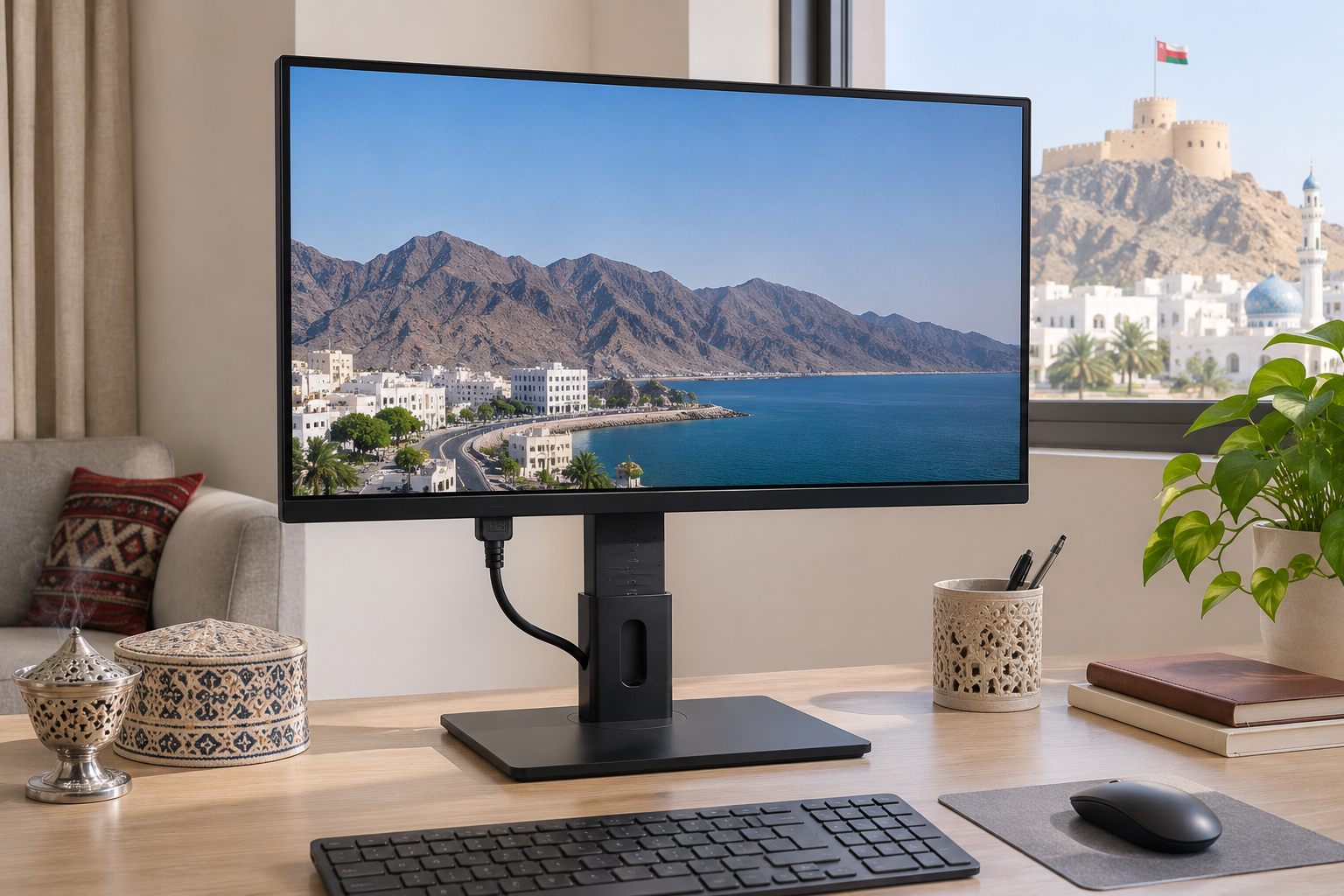
A height-adjustable stand can make the top of the screen easier to position, while a fixed stand may need a riser. Check tilt, swivel and mounting compatibility if you plan to use an arm. Measure the stand footprint and leave space for the keyboard and ventilation. In a bright room, test reflections and brightness in person where possible. Colour claims and refresh rates should be checked against the model specification, especially if a gaming console is involved.
Compare the complete Oman offer
Sharaf DG Oman separates several monitor types in its local catalogue, which shows the range of choices, not a guarantee that every model is available today. Compare the exact model code, panel size, resolution, included cable, warranty and return policy across sellers. If a laptop is also on your shopping list, our laptop buying guide covers that separate decision. Ask the retailer to show the monitor running through the connection you intend to use.
Next step
Measure your desk and viewing distance, list your device ports, then ask the seller to demonstrate the exact monitor.
