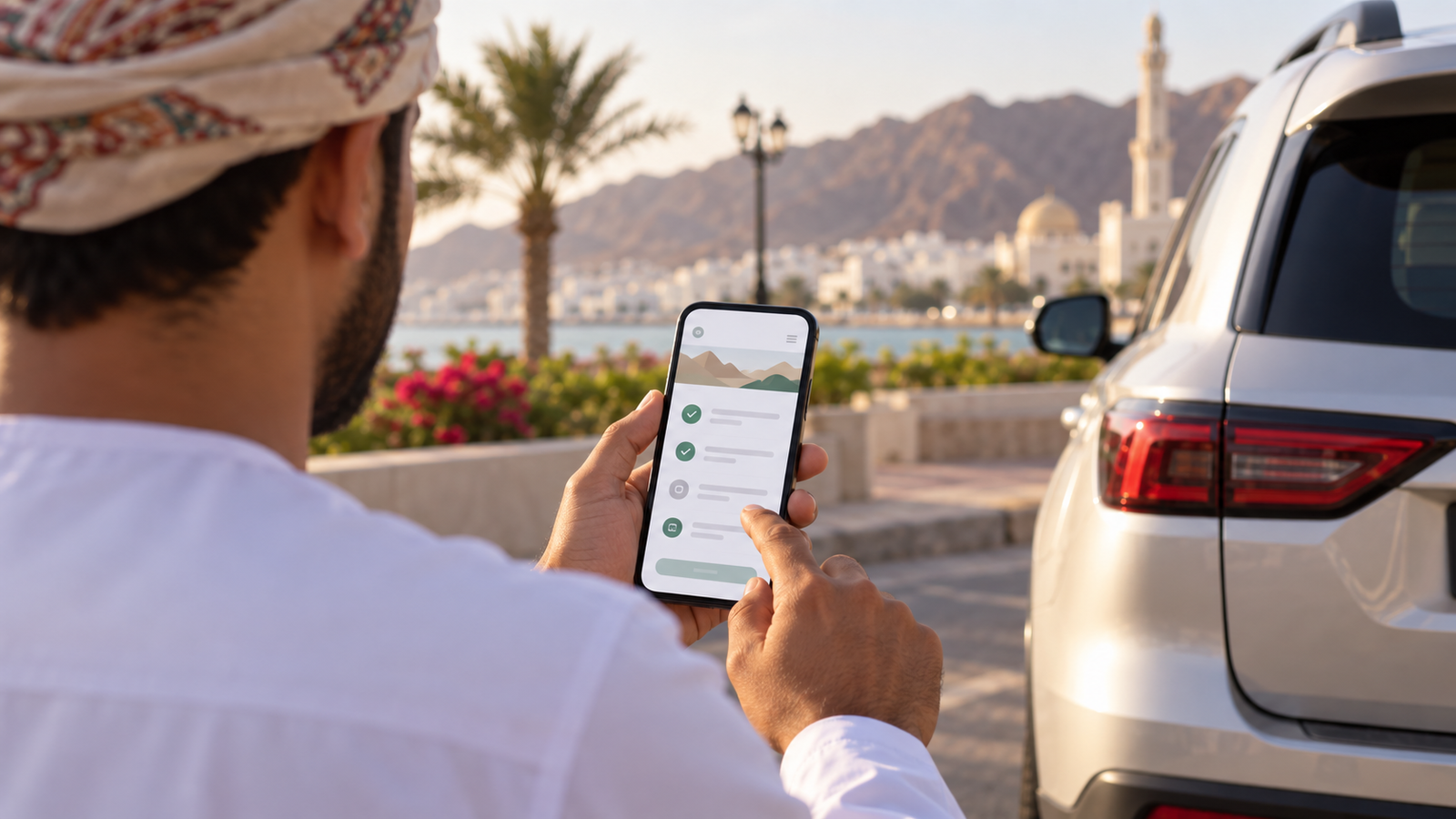
How to Check and Pay Traffic Fines in Oman
Traffic fines in Oman can usually be checked and selected for payment through the Royal Oman Police (ROP) online service. The same official system covers more than a simple vehicle-plate search: it can show fines connected with a particular vehicle or all vehicles linked to a person, and it provides routes for companies and organisations. Some cases cannot be completed online, however, so it is important to read the result rather than assume that every fine is payable immediately.
How can you check and pay traffic fines in Oman?
Use the official ROP Traffic Offense Payment service, the ROP mobile application or the traffic-fines service on Gov.om. For a vehicle lookup, the live ROP form uses the plate code and plate number together with the matching personal or organisation identity record. For a personal inquiry, select the identity type offered by the live form—such as Civil ID or driving-licence details—and enter the matching number. You can review returned fines, select eligible fines, pay through the official gateway and save the ROP receipt; serious or restricted violations may require attendance.
Use only an official payment route
Use ROP or Gov.om to start the transaction. Never send an OTP to another person, disclose a bank PIN or share a card security code. Treat an unexpected message saying that a traffic fine must be paid through an unknown link as suspicious. ROP does not need a stranger to collect your confidential banking credentials.
What traffic fines can be checked online?
ROP describes its service as an inquiry and payment channel for local or Gulf traffic violations and municipal violations registered to citizens, residents, organisations and companies. Depending on the inquiry selected, a person can search a particular vehicle or ask for fines linked to all vehicles under the relevant identity. Businesses and organisations have their own identity options.
The online result is the reliable place to see what is currently recorded and the amount attached to each returned offence. This guide does not reproduce an offence-by-offence price list. Fine values vary by offence and circumstances, and old lists are easily mistaken for current charges. Check the amount displayed by the live official service before paying.
Confirmed official scope
The ROP service covers inquiry, selection and electronic payment for eligible fines. It also supports downloading a violations report through advanced search and viewing previous e-payment transactions. The standard inquiry displays no more than 100 violations at one time. If more than 100 exist, ROP says the service must be used again after dealing with the displayed set.
Who can use the service?
The public ROP description includes Omani citizens, residents, organisations and companies. A personal inquiry may use a civil number, driving-licence number or visa number, depending on the option available in the live form. Company or organisation inquiries require the appropriate commercial-registration or institution identifier. ROP also documents a special process for vehicles owned by heirs, using an heirs’ institution number issued by the Directorate General of Traffic.
The person making the inquiry must enter data that matches the official record. ROP specifically states that an inquiry for a particular vehicle depends on the owner’s data matching the vehicle’s data. A vehicle you drive but do not own may therefore not appear under your identity in the way you expect.
Information you may need
| Inquiry type | Information normally requested | Why it matters |
|---|---|---|
| Particular vehicle, personal | Plate code, plate number, identity type and matching identity number | The owner identity must match the vehicle record |
| All vehicles, personal | Personal inquiry option, identity type and identity number | Designed to return eligible fines linked to that identity across its vehicles |
| Company or organisation | Organisation/company option and the accepted CR or institution identifier | The live form determines which official identifier is accepted |
| Vehicle owned by heirs | Vehicle details where applicable and the heirs’ institution number issued by Traffic | This is a documented specialist route rather than a normal personal lookup |
The live payment form also uses a verification image or CAPTCHA. Enter it yourself on the official page. Do not give an unknown person your identity details or allow them to take over the payment session.
Checking Traffic Fines by Civil ID
In the official personal inquiry, choose the identity category and type shown by ROP, then enter the matching number exactly. A Civil ID can be used only where the live form offers that identity type and the fine is linked to the corresponding record. Do not assume that every vehicle or driver offence will appear under one identifier; use the vehicle route when the inquiry concerns a particular plate.
Checking Traffic Fines by Vehicle or Plate Details
For a specific vehicle, select the plate code and enter the plate number exactly as registered, then supply the matching owner identity or organisation information requested by ROP. Plate details alone do not replace the ownership check, and serious or restricted violations may not be payable through the standard online result.
How to check traffic fines online
- Open an official starting point. Use the ROP Electronic Traffic Services page or Gov.om’s “Pay Traffic Fines” service. Check that the destination remains on an official
rop.gov.omorgov.omaddress before entering information. - Choose the correct scope. Select a particular vehicle if you want to check one vehicle, or the all-vehicles option if you need the fines linked to the selected identity across its vehicles.
- Enter the vehicle details. For a particular vehicle, select the plate code and type the plate number exactly as registered.
- Choose the identity category. Select personal or company/organisation as appropriate. Then choose the correct ID type rather than putting a civil number into a driving-licence field.
- Enter the matching number. Recheck every digit and complete the verification image shown by the service.
- Submit the inquiry. Review the returned fines, their status and the amount shown by the official system. Do not assume a blank or incomplete result proves that no other issue exists.
- Use the report where needed. ROP allows a violations report to be searched by service category, status and time period, then printed or downloaded in the format offered by the service.
Practical check before paying
Confirm the plate, identity, offence entry and total before continuing. Save a screenshot or note of the inquiry only on your own secure device, and avoid storing full identity or card information in a shared chat.
How to pay traffic fines online
- Complete the official inquiry and wait for the eligible fines to appear.
- Select all payable fines or choose the individual fines you intend to settle.
- Check the displayed total. The ROP service fee for this transaction is the total value of the fines selected; do not rely on an unofficial price list.
- Select the option to proceed to the payment gateway.
- Complete the bank-card or payment authentication only inside the legitimate gateway. Keep the OTP private and enter it yourself.
- Wait for the service to return a clear success result. Do not close the page or repeat the payment merely because the bank step takes longer than expected.
- Save the official receipt, transaction reference and any confirmation sent by the service.
Gov.om lists three official delivery channels: the police application, the police website and service centres. The ROP service page specifically confirms the website and ROP mobile application. A service centre is the appropriate alternative when the online result instructs you to attend, the offence is not electronically payable or a persistent record problem cannot be resolved remotely.
Vehicle fines versus driver or licence-related fines
| Type | How the inquiry is framed | Important limitation |
|---|---|---|
| Fine on a particular vehicle | Vehicle plate code and number, combined with the correct owner identity details | Owner and vehicle records must match |
| Fines across a person’s vehicles | All-vehicles option with the personal identity type and number | It returns what the official record links to that identity |
| Driver/licence-related inquiry | Personal inquiry can use the driving-licence number as an ID type where offered | Do not assume every offence is attached only to the plate or only to the driver |
| Company or organisation fines | Company/organisation path with the accepted registration or institution number | A personal civil-number search is not a substitute for the business route |
The distinction is useful when a plate-only search does not show what you expected. Use the inquiry type that matches the official ownership or identity record. If ownership has changed, a vehicle belongs to a company or the record involves heirs, do not force the details into an unrelated field.
Can every traffic fine be paid online?
No. ROP states that the standard service does not show serious violations during the normal inquiry because they require the offender to attend a police station. The official page gives passing a red traffic light as an example. ROP says these violations can be seen through the downloadable violations report, but attendance is still required to resolve the serious case.
Other cases may also fail to complete online because of a restriction, an ownership mismatch, the wrong identity type, an incomplete record or a payment problem. The 100-violation display limit is another operational restriction: where there are more than 100, only the first set is displayed and the service must be used again.
A visible fine is not necessarily electronically payable
Do not interpret a report entry as permission to pay it through any link you find. Follow the action offered by the official ROP service. If the system withholds a payment option or directs attendance, use the relevant ROP police station, Directorate General of Traffic or service centre.
What to do when a fine cannot be paid online
- Check that the plate code, plate number, identity category and identity number are accurate.
- Try the inquiry scope that actually matches the record: particular vehicle, all vehicles, personal, or company/organisation.
- Download the official violations report if the normal result indicates a serious or non-displayed violation.
- Read any restriction or attendance message exactly. Do not keep retrying payment when the service says an in-person step is required.
- Take your original identity and vehicle documents, the report or reference number, and any relevant payment evidence to the ROP location indicated for your case.
- If the issue concerns payment rather than the offence itself, ROP’s payment page directs users to the Directorate General of Traffic.
Attendance does not mean that every person will follow the same counter process. Serious offences, company vehicles, ownership disputes, old records and court-related restrictions can involve different units or evidence. The official instruction attached to the record should take priority over general practical advice.
Payment confirmation and receipts
ROP says the service receipt is available after the payment is completed through the service page, email or text message. It also provides a previous e-payment history function. After an inquiry, users can search payment history by the transaction reference or time period and print the payment details.
Treat the official success page, receipt or confirmed payment-history entry as evidence of completion. A bank authorisation message by itself may show only that the bank processed a request; it does not replace confirmation that ROP recorded the fine payment. Keep the transaction reference until the fine no longer appears as unpaid and any related renewal has completed.
Failed, pending or duplicate payments
| Situation | Safe next step | Avoid |
|---|---|---|
| No success page after card authentication | Check ROP’s online payment history and your receipt messages using the reference or relevant time period | Immediately paying the same selection again |
| Bank shows a pending amount | Keep the bank reference and wait for the official transaction status; contact the bank and ROP/DG Traffic if it remains unresolved | Assuming pending means either success or failure |
| Fine still appears unpaid | Refresh through a new official inquiry and compare the ROP payment-history record | Using a third party to “clear” the record |
| Possible duplicate charge | Preserve both transaction references, receipts and bank entries, then raise the issue with the bank and ROP | Sharing full card details, PIN or OTP with a helper |
These are practical resolution steps, not an official promise about reversal times. The reviewed official pages do not publish a universal clearing or refund period for failed or duplicate traffic-fine payments. Do not invent a deadline or assume that every bank handles the transaction identically.
Traffic fines and vehicle registration renewal
Unpaid fines matter when renewing a vehicle. ROP’s vehicle-registration renewal requirements say the owner must be free from wanted notices, restrictions or violations. The official government services guide also states that all traffic fines must be paid before renewal begins. This means an unpaid or unresolved fine can prevent the renewal from completing online, but fines are not the only possible blocker.
Other renewal conditions include valid owner identity/residence status, insurance and any applicable technical inspection. Clear eligible fines early enough to deal with a serious violation or a record mismatch before the registration expires. The same principle appears in driving-licence renewal: Gov.om lists full payment of traffic fines as a condition.
If you are new to local motoring, read How to Get an Oman Driving Licence. Keep licence, vehicle and residence records aligned with the separate Oman Resident Card Renewal process.
Common lookup and payment problems
- Wrong plate code: the plate number alone is not enough for a particular-vehicle inquiry.
- Wrong ID type: a civil number, licence number and visa number are not interchangeable fields.
- Owner mismatch: the identity entered does not match the registered owner of the vehicle.
- Wrong scope: checking one vehicle when the fine is linked through another vehicle or personal record.
- Company vehicle searched as personal: the organisation route and identifier may be required.
- Serious violation: it may not appear in the standard inquiry and may require a report and attendance.
- More than 100 violations: only 100 are shown at one time.
- Verification-image error: enter the displayed characters again rather than using an unknown “payment assistant.”
- Gateway interruption: check payment history before trying the same payment again.
- Renewal still blocked: another restriction, insurance issue, inspection requirement or identity problem may remain.
Security and scam warning
Never pay from an unknown message link. Begin at Gov.om, the ROP website or the official ROP app. Check the domain and the transaction details. Do not send an OTP to another person, disclose your bank PIN or reveal the three-digit card security code. Do not install remote-access software for someone claiming to be traffic support. If a message creates urgency, close it and check the fine independently through the official inquiry.
For broader arrival and document planning, use the Moving to Oman Checklist. Traffic fines should also be included in real motoring costs when comparing the Cost of Living in Muscat, but no household budget should assume a fixed fine amount.
Frequently asked questions
Can I check Oman traffic fines with my Civil ID?
Yes, where the official ROP personal inquiry offers Civil ID as the identity type and the fine is linked to that record. Use the exact type and number shown by the live form; not every offence appears under every identifier.
Can I check fines by plate number?
Yes. For a particular vehicle, ROP uses the plate code and plate number together with the matching personal or organisation identity details.
Can I pay traffic fines online?
Eligible fines returned by the official ROP inquiry can be selected and paid through its payment gateway. Serious or restricted cases may require a police station or service centre.
Can I see a traffic fine before paying it?
Yes. The ROP process begins with an inquiry and then allows the user to select all or individual eligible fines before moving to the payment gateway. Serious violations may be absent from the standard inquiry but available in the downloadable report.
What details do I need for a vehicle fine?
For a particular vehicle, ROP asks for the plate code and number, plus the correct personal or organisation identity information. The owner information must match the vehicle record.
Can I pay a fine connected to my driving licence?
The personal inquiry offers identity types that include a driving-licence number. Use the type that matches the record and the live form. Do not assume that every offence is linked exclusively to either the vehicle or the driver.
Why is a serious violation missing?
ROP says serious violations are not displayed in the normal inquiry because they require attendance at a police station. It gives red-light violations as an example and says the violation can be seen through the downloadable report.
Does an OTP message prove that payment succeeded?
No. An OTP is an authentication step and must remain private. Wait for the ROP success result or official receipt, and use ROP’s e-payment history if the status is uncertain.
Can traffic fines block vehicle renewal?
Yes. ROP renewal guidance requires applicable violations and restrictions to be resolved before completion, although the live record may identify a different restriction in addition to a payable fine.
Should I check fines before transferring vehicle ownership?
Yes. Checking the vehicle record early can reveal an applicable fine or restriction that needs attention before the separate vehicle ownership transfer in Oman process. This does not mean every fine has the same legal effect; follow the live ROP result.
How do I get proof or a receipt after payment?
Wait for the ROP success result, then save the official receipt and transaction reference. If the gateway result is unclear, check ROP’s previous e-payment transaction function before paying again.
Must fines be cleared before vehicle renewal?
ROP renewal guidance requires the owner to be free from violations and restrictions, and the official service guide states that all traffic fines are paid before renewal. A serious or unresolved fine may therefore need attention before the vehicle can be renewed.
Official sources
- Royal Oman Police — Traffic Fines Payment service guide
- Royal Oman Police — Live Traffic Offense Payment inquiry
- Gov.om — Pay Traffic Fines
- Royal Oman Police — Electronic Traffic Services
- Royal Oman Police — Vehicle Registration Renewal
- Gov.om — Renew Your Driving License
- Royal Oman Police — ROP mobile application services
Last reviewed: 6 September 2026. Traffic records, service screens and payment restrictions can change. Check the live ROP/Gov.om service before relying on a saved instruction. This guide separates confirmed public procedure from practical recommendations and does not provide personalised legal advice.